Blog
Best File Formats for Embroidery Machines: DST vs PES vs EXP

Choosing the correct embroidery file format is one of the most important steps in achieving successful embroidery results. Even a perfectly digitized design cannot be stitched properly if it is saved in the wrong file format for your embroidery machine.
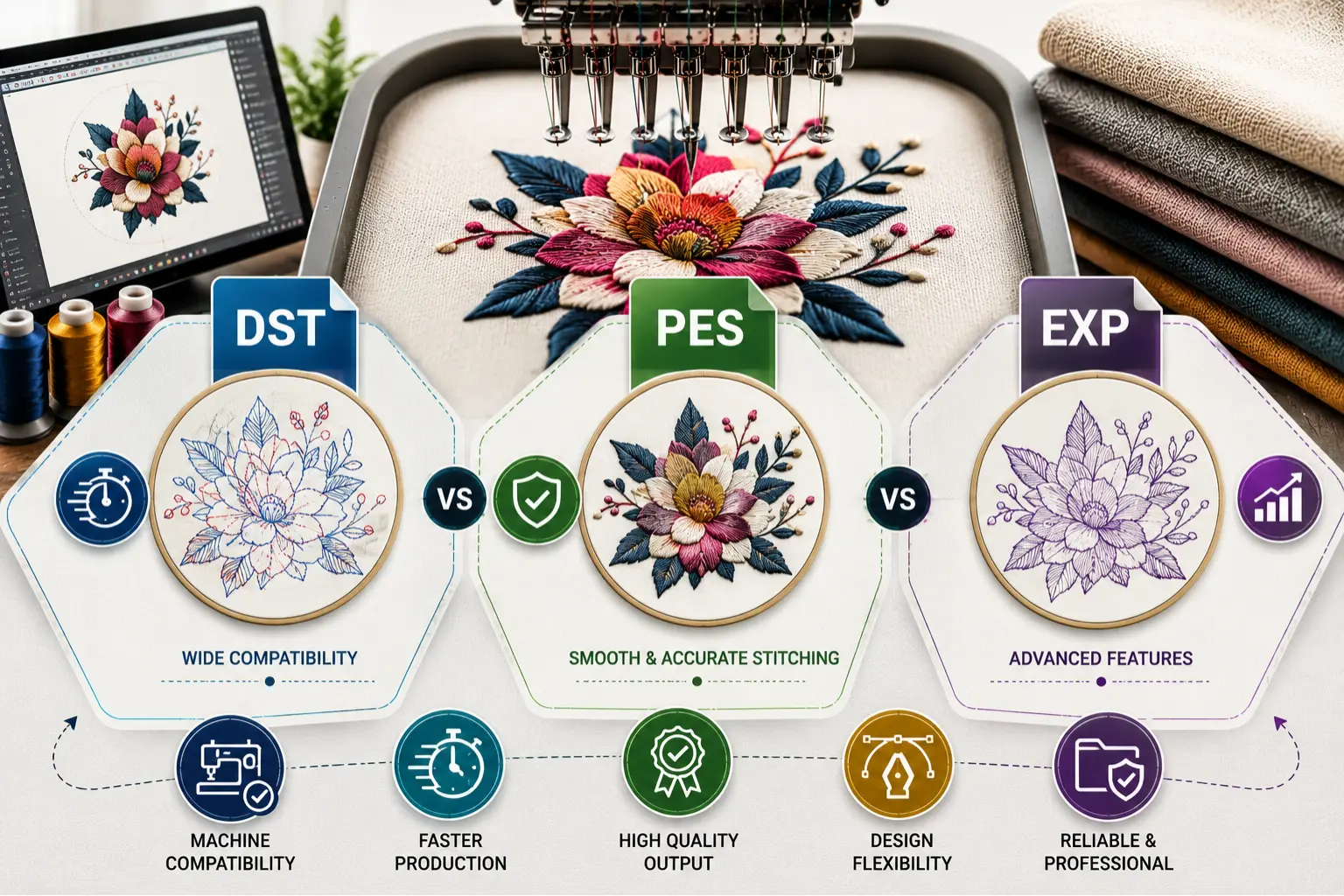
Among the many embroidery file formats available today, DST, PES, and EXP are three of the most widely used. Each format serves a specific purpose and is designed for compatibility with certain embroidery machine brands and software systems.
Understanding the differences between these formats can help embroidery businesses, hobbyists, and apparel decorators avoid compatibility issues, improve production efficiency, and achieve higher-quality embroidery results.
In this guide, we will compare DST vs PES vs EXP, explain their advantages and limitations, and help you determine which format is best for your embroidery machine.
What Is an Embroidery File Format?
An embroidery file format is a digital file that contains instructions for an embroidery machine.
These instructions tell the machine:
- Where to place stitches
- Stitch directions
- Stitch lengths
- Color changes
- Thread trims
- Design sequencing
Unlike regular image files such as JPG, PNG, or SVG, embroidery files contain stitch data that embroidery machines can read and execute.
Without proper digitizing and the correct file format, embroidery machines cannot accurately reproduce a design.
Why Choosing the Right File Format Matters
Using the correct embroidery format ensures:
- Machine compatibility
- Accurate stitch placement
- Proper color sequencing
- Reduced production errors
- Faster setup times
- Better embroidery quality
Using the wrong format can lead to:
- Design distortion
- Missing color information
- Machine errors
- Failed design loading
- Production delays
This is why professional embroidery digitizing services typically provide files in multiple machine-compatible formats.
Understanding DST Embroidery Files
What Is a DST File?
DST stands for Data Stitch Tajima.
It was originally developed by Tajima, one of the world’s leading embroidery machine manufacturers, and has become the industry standard for commercial embroidery.
File Extension:
.DST
Key Features of DST Files
DST files contain:
- Stitch coordinates
- Jump stitches
- Trim commands
- Basic machine instructions
Because of their simplicity, DST files are highly compatible across different embroidery machine brands.
Advantages of DST Files
Universal Compatibility
DST is supported by most commercial embroidery machines, including:
- Tajima
- Barudan
- SWF
- Happy
- Ricoma
- Melco
- ZSK
- Brother Commercial Systems
Industry Standard
Most professional embroidery shops use DST files because they work reliably across multiple machine brands.
Small File Size
DST files are compact and load quickly into embroidery machines.
Reliable Production Performance
Commercial embroidery operations often prefer DST because of its proven reliability.
Limitations of DST Files
DST files store limited design information compared to modern formats.
They generally do not retain:
- Detailed color information
- Design object data
- Editing capabilities
As a result, DST files are excellent for production but less suitable for extensive design editing.
Understanding PES Embroidery Files
What Is a PES File?
PES is the native embroidery format developed for Brother embroidery machines and later adopted by Baby Lock embroidery systems.
File Extension:
.PES
Key Features of PES Files
PES files store significantly more information than DST files.
They can include:
- Stitch data
- Color information
- Design dimensions
- Additional embroidery settings
This makes PES files highly popular among home embroidery users and small embroidery businesses.
Advantages of PES Files
Rich Design Information
PES files preserve more design details, making them easier to manage and organize.
Color Support
PES files maintain thread color information, allowing users to preview designs more accurately.
Excellent for Home Embroidery Machines
PES is commonly used with:
- Brother embroidery machines
- Baby Lock embroidery machines
User-Friendly Design Management
Many embroidery software programs display PES designs with color previews and design information.
Limitations of PES Files
While PES files offer more features, they may not be compatible with every commercial embroidery machine.
Some industrial systems require conversion before use.
Understanding EXP Embroidery Files
What Is an EXP File?
EXP is the embroidery format originally developed by Melco embroidery systems.
File Extension:
.EXP
Today, EXP files are used by various embroidery software programs and machine brands.
Key Features of EXP Files
EXP files primarily store:
- Stitch data
- Machine movement instructions
Like DST files, EXP focuses on machine execution rather than extensive design information.
Advantages of EXP Files
Strong Commercial Usage
EXP remains widely accepted in many professional embroidery environments.
Efficient Machine Operation
The format is lightweight and optimized for machine performance.
Good Software Compatibility
Many embroidery digitizing software packages support EXP files.
Limitations of EXP Files
EXP files often contain limited color information compared to PES.
Some embroidery machines may require additional color assignment during setup.
DST vs PES vs EXP: Key Differences
Compatibility
DST
- Widest machine compatibility
- Industry standard for commercial embroidery
PES
- Best for Brother and Baby Lock machines
- Common among home embroiderers
EXP
- Popular in Melco and certain commercial systems
- Supported by many embroidery software programs
Color Information
DST
- Minimal color information
PES
- Extensive color information
EXP
- Limited color information
Editing Capability
DST
- Limited editing support
PES
- Better design information retention
EXP
- Moderate editing flexibility
Commercial Production
DST
- Excellent
PES
- Good
EXP
- Excellent
Which Embroidery Format Is Best?
The best format depends on your embroidery machine and workflow.
Choose DST If:
- You operate commercial embroidery machines
- You need maximum compatibility
- You work with multiple machine brands
- You want the industry-standard production format
Choose PES If:
- You use Brother embroidery machines
- You use Baby Lock embroidery machines
- You want color previews and detailed design information
- You are a home embroidery user
Choose EXP If:
- Your machine specifically requires EXP files
- You work within Melco-based environments
- Your embroidery software is optimized for EXP
Other Popular Embroidery File Formats
While DST, PES, and EXP are among the most common formats, other machine-specific formats include:
JEF
Used by:
- Janome embroidery machines
VP3
Used by:
- Husqvarna Viking
- Pfaff embroidery machines
HUS
Used by:
- Husqvarna embroidery machines
XXX
Used by:
- Singer embroidery machines
SEW
Used by:
- Older Janome and Singer systems
Professional digitizing services often provide multiple formats to ensure compatibility with various embroidery machines.
Why Professional Digitizing Matters More Than File Format Alone
Many embroidery problems are incorrectly blamed on file formats.
In reality, poor embroidery results are often caused by poor digitizing.
A properly digitized design will perform well regardless of whether it is delivered as DST, PES, or EXP.
Professional digitizers optimize:
- Stitch density
- Underlay
- Pull compensation
- Stitch direction
- Sequencing
The file format simply determines how the embroidery machine reads that information.
For the best embroidery results, always prioritize high-quality digitizing alongside the correct machine format.
Final Thoughts
When comparing DST vs PES vs EXP, there is no single format that is universally better than the others. Each format serves a specific purpose and is designed for different embroidery machines and production environments.
DST remains the industry standard for commercial embroidery due to its broad compatibility and reliability. PES offers enhanced design information and is ideal for Brother and Baby Lock users. EXP continues to be a trusted format in many professional embroidery workflows.
The most important factor is ensuring that your design is professionally digitized and delivered in the correct format for your embroidery machine.
At MAS Digitizing, we provide high-quality embroidery digitizing services and deliver files in all major machine formats, including DST, PES, EXP, JEF, VP3, HUS, XXX, and more, ensuring seamless compatibility and professional embroidery results every time.